Check your port before the adapter
In the Apple menu, "About This Mac" then "System Report", Thunderbolt or USB section, shows what your machine can do. A Thunderbolt 3 or 4 port handles video without question. A plain USB-C port requires DisplayPort alternate mode to be active, which not every model has. Five minutes that save a return.
The MacBook Air M1 and M2 trap
These machines drive only ONE external display, whatever the adapter. A hub with two HDMI outputs plugged into one will show the same picture on both displays, or light up only one. It is not a fault of the adapter, it is a limit of the processor, and no accessory gets around it.
Three levels, three uses
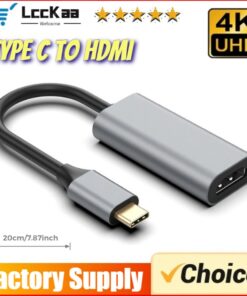
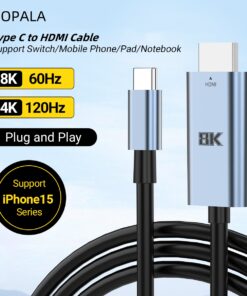
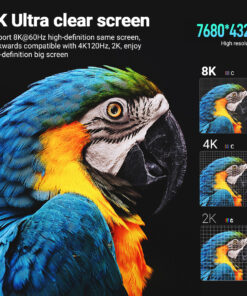
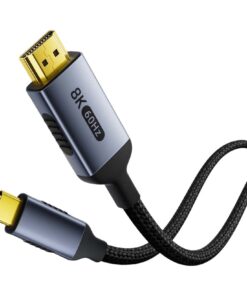
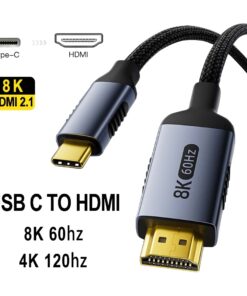
- Simple USB-C to HDMI adapter: one output, the essentials. Our USB-C to HDMI 2.1 Mac adapter, 8K at 60 Hz is one of them.
- Adapter with pass-through charging: keeps the Mac charging while the display is connected, essential if your machine only has two ports.
- Multiport hub: HDMI, USB-A, card reader and charging, when the adapter replaces a docking station.
The detail that changes everything on a desk monitor: the refresh rate. Many entry-level adapters top out at 4K 30 Hz, which makes mouse movement jerky and tiring over a working day. Look for 4K at 60 Hz if the display is for work.
Frequently asked questions
Can my MacBook drive two external displays?
That depends on the processor, not on the adapter. The MacBook Air M1 and M2 drive only one external display. Pro models with an M1 Pro, M2 Pro chip or higher drive several. A hub with two outputs does not change this hardware limit.
Why does my display stay black?
Three causes, in order of frequency. The Mac's USB-C port does not handle video output. The HDMI cable is at fault rather than the adapter: try another one. Or the display is still on the wrong input. Check the system report before concluding that the adapter is faulty.
4K at 30 Hz or at 60 Hz, can you see the difference?
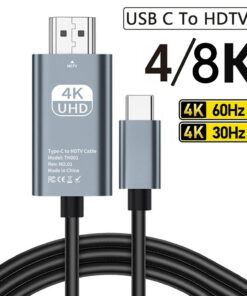
On a film, barely. On a desktop, immediately: at 30 Hz, the mouse pointer and scrolling look jerky, and it gets tiring over a working day. If the display is for office work, 60 Hz is not a luxury. Our 2 m Mac HDMI adapter in three resolutions lets you choose between 4K 30 Hz, 4K 60 Hz and 8K 60 Hz.
Do I need an adapter with charging?
Only if your Mac is short of ports. A MacBook with two USB-C ports loses charging as soon as one is used for the display and the other for an accessory: a model with pass-through charging solves this case. With three ports or more, a simple adapter is enough, such as our 2 metre Mac HDMI cable adapter.