
Need help? Contact us:
Menu
CATEGORIES
- Cigarette lighter socket adapter
- Wireless Android Auto adapter
- Apple adapter
- Battery adapter
- Car Bluetooth adapter
- Wireless CarPlay adapter
- SD card adapter
- SIM card adapter
- DisplayPort to HDMI adapter
- DVI to HDMI adapter
- Ethernet adapter
- Wii HD adapter
- HDMI adapter
- USB-C to HDMI adapter
- HDMI to jack adapter
- HDMI to VGA adapter
- Wireless charging adapter
- iPhone adapter
- Audio jack adapter
- iPhone jack adapter
- Jack to Lightning adapter
- Jack to USB adapter
- Lightning to USB-C adapter
- Mac HDMI adapter
- MacBook Air adapter
- Micro SD adapter
- OTG adapter
- SCART to HDMI adapter
- EU to UK Adapter
- Canada plug adapter
- France to USA plug adapter
- Ireland plug adapter
- Swiss plug adapter
- USA plug adapter
- RCA to HDMI adapter
- Power adapter
- Adaptateur SSD USB
- Universal adapter
- Universal travel adapter
- USB adapter
- USB-A to HDMI adapter
- USB Bluetooth adapter
- USB-C adapter
- USB-C to jack adapter
- USB-C to USB-A adapter
- USB Ethernet adapter
- USB-C to DisplayPort adapter
- Adaptateur USB-C magnétique
- USB-C to VGA adapter
- 4K HDMI cable
- USB 3.0 hub
- USB-C hub
- USB SD card reader
- HDMI switch and splitter
- All adapters
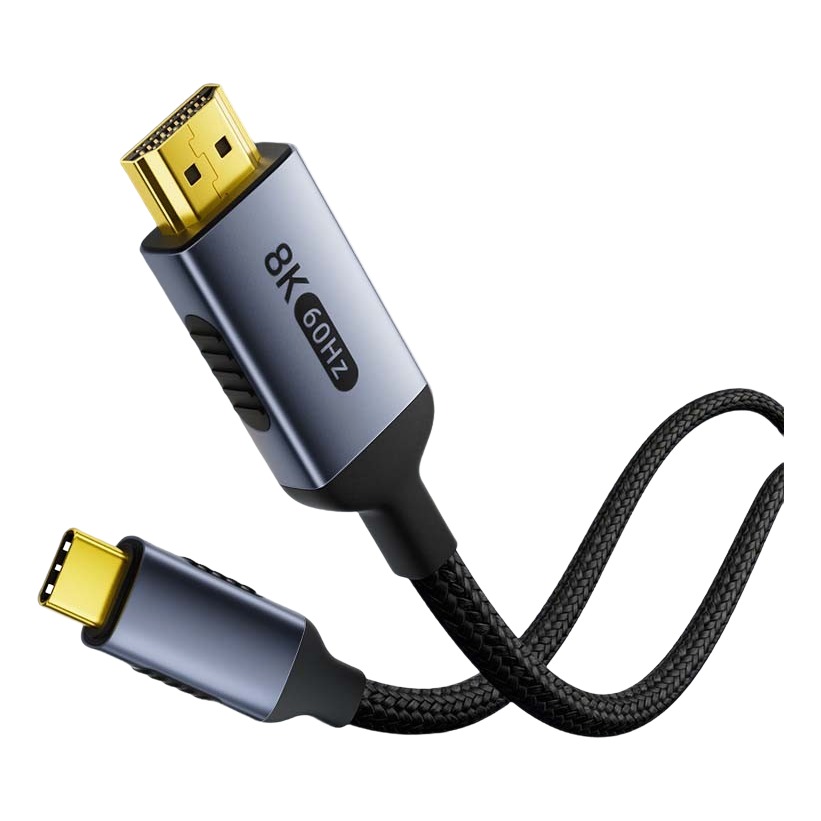
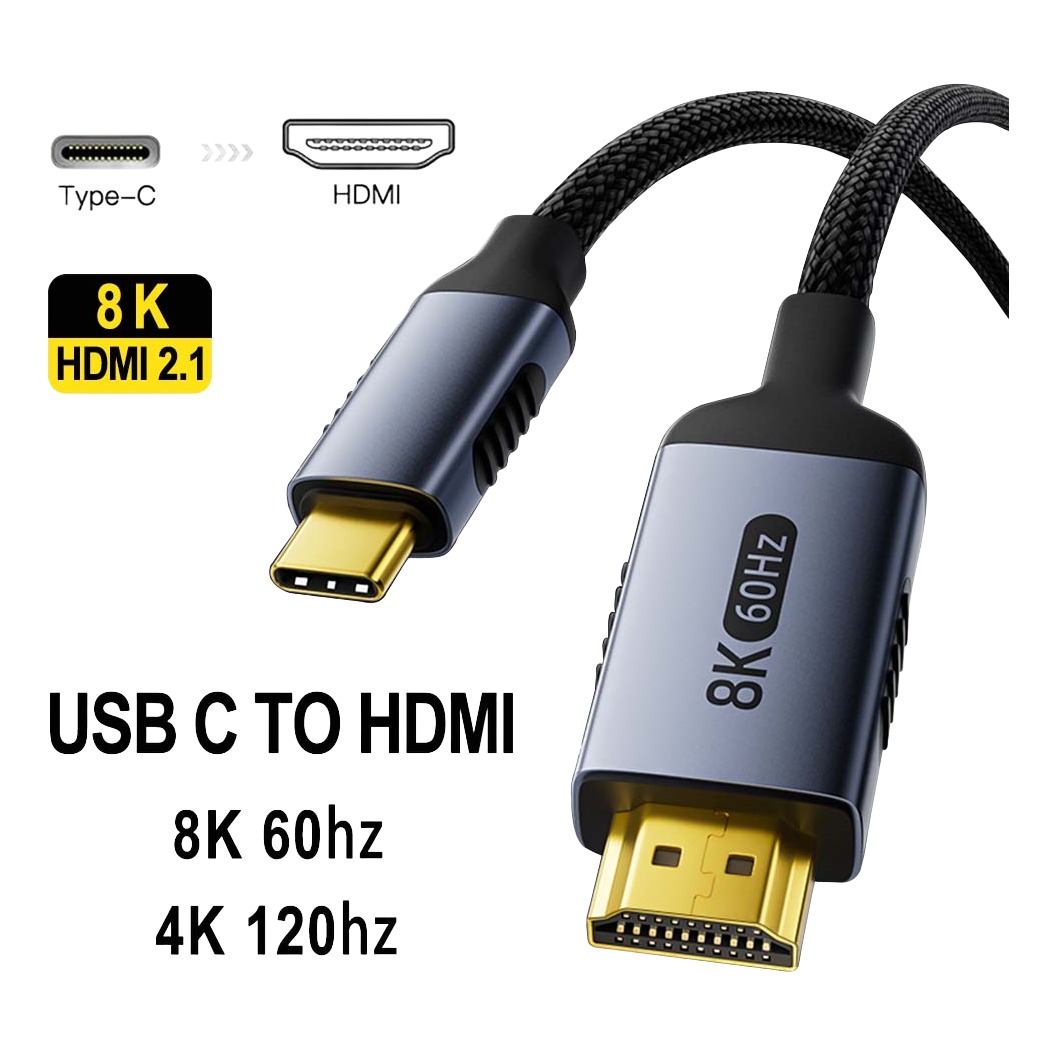
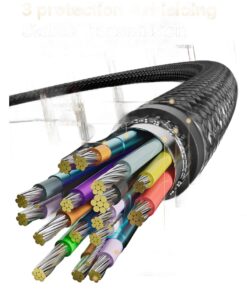
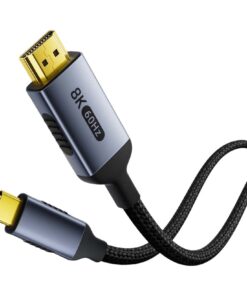
Mac HDMI Adapter, USB-C to HDMI 2.1, 8K at 60 Hz
Brand:
43,90 €
Shipping costs are calculated at checkout.
Buy more, save more: the discount is applied automatically in the cart!
Buy 2 items get 5% OFF
on each productBuy 3 items get 10% OFF
on each product
Estimated delivery: 6 days
SKU :
N/A
Categories: Mac HDMI adapter
Any questions?
Feel free to contact us
Guaranteed safe and secure checkout
This Mac HDMI adapter connects the USB-C output of a laptop to an HDMI input. On machines that no longer have a dedicated video output, it is the only way to an external display, and it depends on a condition the box never mentions.
The condition that decides everything
The USB-C port must support video alternate mode. On recent laptops, Thunderbolt ports do; some entry-level charging ports do not. The symptom is unambiguous: nothing appears, while the same cable works on another machine.
What 8K at 60 Hz covers
It is the ceiling of the announced standard. On a 4K 60 Hz display, the headroom is not used straight away, but it saves buying a new cable when you change display. A ceiling is never a display promise: the machine and the display decide the real mode together.
Two displays on a single port
A simple adapter neither mirrors nor extends the picture onto two monitors. That needs a docking station, and on some machines a hardware limit of the graphics processor caps the number of displays anyway.
Sound travels with the picture
HDMI carries audio. If the sound stays in the computer’s speakers, it is an audio output setting in the system, not a cable fault. It is the second cause of doubt after a missing picture.
What the specification sheet contains
- Male USB-C connector
- Male HDMI connector
- HDMI 2.1 standard announced
- 8K at 60 Hz and 4K at 120 Hz announced
- Audio carried with the video
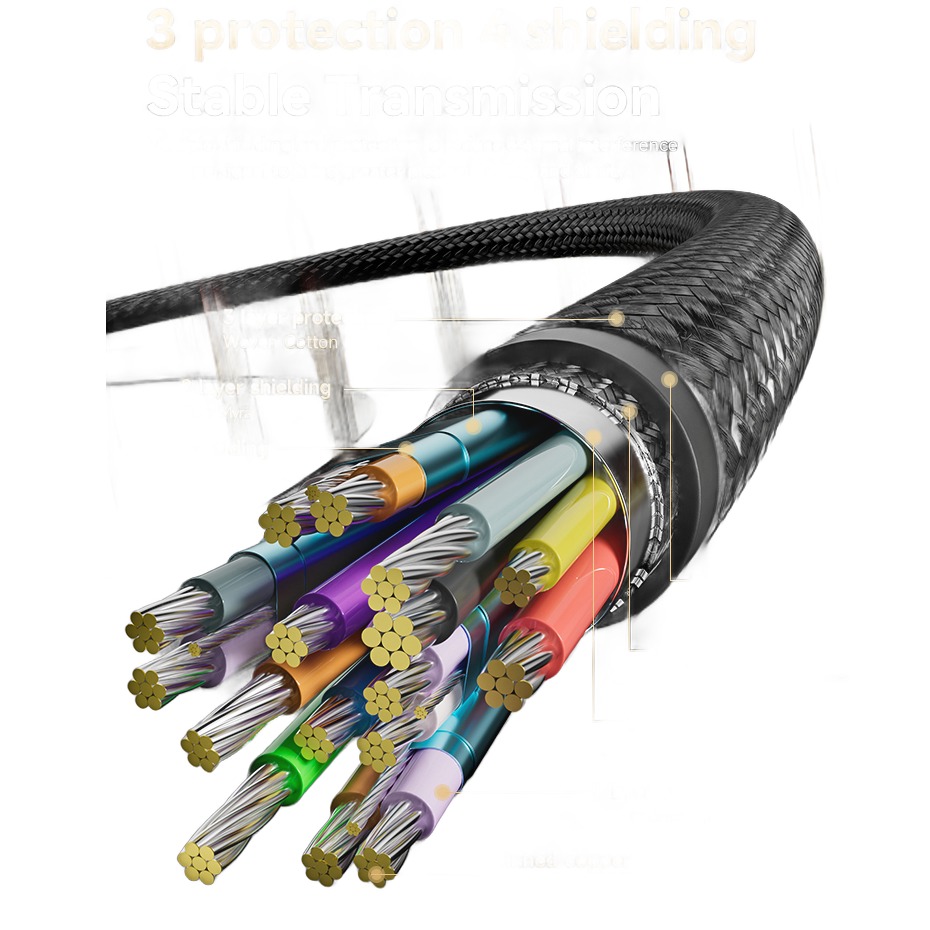
- Braided sleeve
Frequently asked questions
Why is no picture displayed? The USB-C port must support video alternate mode. Not all of them do.
Can I connect two displays? Not with a simple adapter: you need a docking station.
Does the sound go through? Yes. If it stays on the computer, change the audio output in the system.
Be the first to review “Mac HDMI Adapter, USB-C to HDMI 2.1, 8K at 60 Hz” Cancel reply
 Mac HDMI Adapter, USB-C to HDM...
43,90 €
Select options
FAQ
What are the delivery times?
We take great care in processing your order and making our products. Orders are usually dispatched within 1 to 3 working days, then delivery takes between 5 and 9 working days, with an average of 8 days for mainland France.
For international deliveries, these times may be slightly longer. We are committed to shortening them while maintaining the quality of our products, so that you receive your order quickly. Every effort is made to optimise this process.
How can I track my order?
As soon as your items are dispatched, you will receive a confirmation email with a link to follow your order directly on the carrier’s tracking page.
Can I change my delivery address?
If you would like to change your delivery details after placing your order, please contact us as soon as possible. Once the order has been dispatched, details such as the delivery address can no longer be changed.
Can I have my order delivered to several different addresses?
At the moment we can only process one delivery address per order. If you would like to send items to several addresses, please place a separate order for each delivery address.
Which payment methods do you accept?
Mon Adaptateur offers several secure payment methods for your online purchases:
- Bank card: Visa, Mastercard, American Express
- Apple Pay
- Google Pay
Payment is processed by our banking provider. We do not accept PayPal or bank transfers.
To complete your order, make sure the billing address you enter matches the details linked to your payment method. If your payment is declined, we recommend contacting your bank to resolve the issue.
How long does a refund take?
Items returned by post to our warehouse are processed within 14 working days of receipt. Once your return has been approved, you will receive a confirmation by email. Refunds are made using the payment method used for the purchase. Please note that additional charges for Saturday delivery are not refundable.
When will I be charged for my purchase?
For most products (excluding made-to-measure and personalised items), no amount is charged before your order is dispatched. After you place your order, a payment authorisation for the full amount is made and your order is prepared for dispatch. The final amount is only charged when the order is dispatched.
Made-to-order and personalised items must be paid in full as soon as the order is confirmed. Once Mon Adaptateur receives it, our customer service will contact you to confirm the details of your order and process the payment.
Can I cancel or change my order?
To cancel or change an order, please contact us through the contact form as soon as possible. We will do our best to meet your request, but we cannot guarantee that the change can be made once the order has been confirmed. After the payment has been confirmed, the order can no longer be cancelled or changed; however, you can return the item in line with the Mon Adaptateur online returns policy.
Orders for made-to-order or personalised items cannot be cancelled or changed once placed. These sales are final, and these items cannot be returned.
My order was declined, do I need to place a new order?
If you have received a notification saying that your order has been cancelled, please place a new order online or contact us for further assistance.
How many days do I have to return an item?
You can make returns or exchanges within 14 days of the delivery date. To do so, send your items with a carrier to the address that will be given to you by email. This address must appear on the return label. Please note that return shipping costs are paid by the customer.
How do I return an item?
For any further information, feel free to contact our customer service. You can write to us at the following email address:
How long does a refund take?
Items returned by post to our warehouse are processed within 14 working days of receipt. A confirmation email will be sent to you once the return has been approved. Refunds are made using the original payment method. Please note that additional charges for Saturday deliveries are not refundable.
You may add any content here from XStore Control Panel->Sales booster->Request a quote->Ask a question notification
At sem a enim eu vulputate nullam convallis Iaculis vitae odio faucibus adipiscing urna.
4.67
6 reviews for Mac HDMI Adapter, USB-C to HDMI 2.1, 8K at 60 Hz
There are no reviews yet.